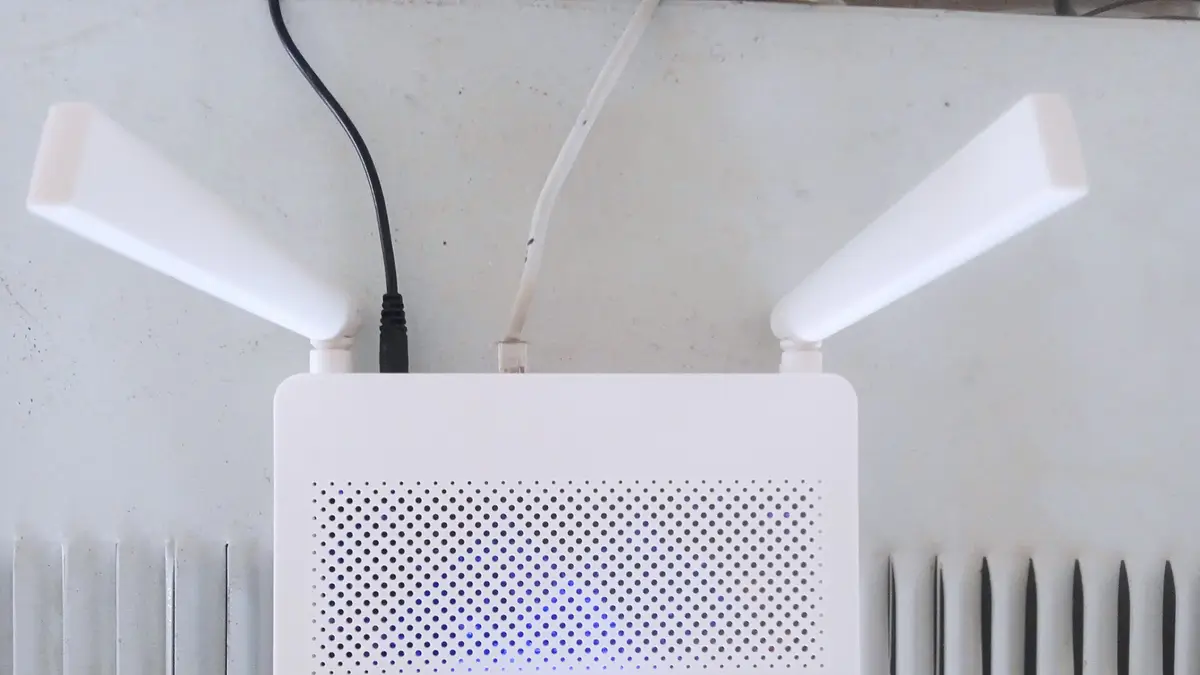
A home wifi router draws between 5 and 10 W, according to Repsol's estimate for household equipment. Since it is on 24 hours a day, that adds up to 3.6 to 7.2 kWh a month: between CLP 919 and CLP 1,838 with electricity at CLP 255.27 per kWh. Switching it off for eight hours every night saves about CLP 600 a month in the highest case.
The bill changes a lot depending on how the internet reaches the house. A fibre optic ONT adds about 5 W, a home 5G router can reach 24 W and a Starlink dish draws between 75 and 100 W on average, according to the company itself: ten times more than a regular router. This guide calculates what each device costs, whether it pays to switch it off at night and how to cut consumption without losing your connection.
View the data as a table
| 10 W router, per month | $1,838 |
| Saving by switching it off 8 h a night | $613 |
| Starlink Standard, top of average range | 100 W |
| Starlink Standard, per month | Up to CLP 18,379 |
How much power a wifi router uses
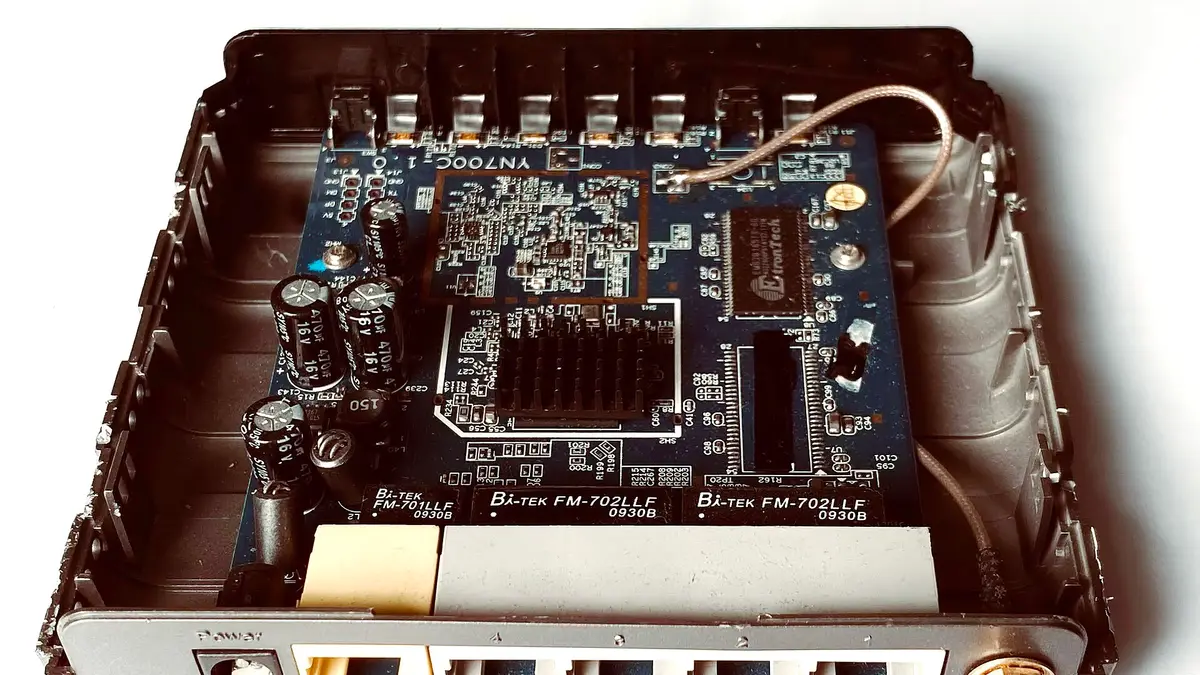
Manufacturers rarely publish a router's actual consumption; what they do state is the power supply. The TP-Link Archer C6 and Archer AX23, among the best sellers in Chile, use a 12 V, 1 A adapter, according to their specifications: they can draw at most 12 W. In normal use they consume much less, because power only rises with heavy traffic or many connected devices.
The peso figures are Energía Futura calculations with CGE's BT1 residential tariff in force since October 2026, CLP 255.27 per kWh, according to its tariff sheet; as of 6 November, CGE had not published November's. A device left on 24 hours for 30 days runs 720 hours: each watt of continuous consumption adds 0.72 kWh and about CLP 184 a month.
| Continuous consumption | kWh per month (24 h, 30 days) | Monthly cost | Yearly cost |
|---|---|---|---|
| 5 W (basic router) | 3.6 kWh | CLP 919 | CLP 11,028 |
| 10 W (router with more traffic) | 7.2 kWh | CLP 1,838 | CLP 22,055 |
| 12 W (maximum of a 12 V, 1 A adapter) | 8.64 kWh | CLP 2,206 | CLP 26,466 |
Energía Futura calculations with electricity at CLP 255.27 per kWh. Typical consumption range: Repsol; maximum: power supply of the TP-Link Archer C6 and AX23 routers.
Fibre, 5G and Starlink: what each router costs
On a fibre optic connection, the provider installs an ONT (optical network terminal), which is often also the wifi router. The Huawei EchoLife EG8145V5, a common model in fibre installations, states a static consumption of 5.3 W and a maximum of 18 W in its datasheet. If there is also a separate router or a mesh system, its consumption is added.
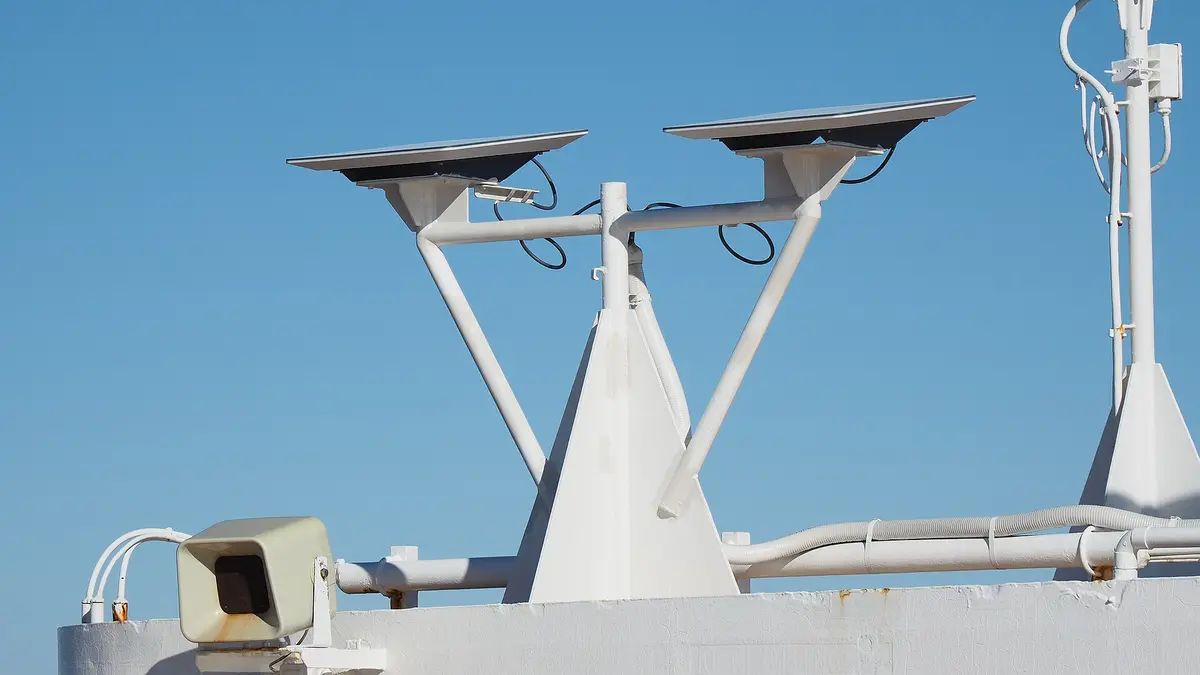
Home 5G routers, which get internet from the mobile network, use more because they have a powerful radio modem: the Huawei 5G CPE Pro, for example, states consumption under 24 W on its official page. And Starlink, which connects to satellites with a dish pointed at the sky, uses the most: its help centre states an average of 75 to 100 W for the Standard kit, 50 to 75 W for the Standard Actuated and 20 to 40 W for the Starlink Mini, figures that include the dish, router and power supply.
| Device | Consumption (source) | kWh per month (24 h) | Monthly cost |
|---|---|---|---|
| Basic wifi router | 5 W (Repsol) | 3.6 kWh | CLP 919 |
| Huawei EG8145V5 fibre ONT | 5.3 W static (Huawei) | 3.8 kWh | CLP 974 |
| Wifi router with more traffic | 10 W (Repsol) | 7.2 kWh | CLP 1,838 |
| Huawei 5G CPE Pro 5G router | Under 24 W (Huawei) | Up to 17.3 kWh | Up to CLP 4,411 |
| Starlink Mini | 20 to 40 W (Starlink) | 14.4 to 28.8 kWh | CLP 3,676 to 7,352 |
| Starlink Standard Actuated | 50 to 75 W (Starlink) | 36 to 54 kWh | CLP 9,190 to 13,785 |
| Starlink Standard | 75 to 100 W (Starlink) | 54 to 72 kWh | CLP 13,785 to 18,379 |
Energía Futura calculations with electricity at CLP 255.27 per kWh and the device on 24 hours for 30 days. Starlink also states idle consumption: 20 W for the Standard kit and 15 W for the Mini.
For a rural home or a country plot with Starlink, the router becomes one of the biggest loads in the house, comparable to a fridge. If the connection depends on batteries or a generator during a power cut, size them with that figure in mind: we explain how in how much a home generator consumes.
Should you switch the wifi router off at night?
Switching the router off for eight hours every night cuts its consumption by a third. With a 10 W router, the saving is 2.4 kWh a month, about CLP 613, and about CLP 7,352 a year. With a 5 W one, half that. In money it is little, but there are cases where it matters: with a Starlink Standard kit, which uses 20 W when idle, switching it off at night saves about CLP 1,225 a month.
| Device switched off 8 h every night | Energy saved per month | Monthly saving | Yearly saving |
|---|---|---|---|
| 5 W router | 1.2 kWh | CLP 306 | CLP 3,676 |
| 10 W router | 2.4 kWh | CLP 613 | CLP 7,352 |
| Starlink Mini (15 W idle) | 3.6 kWh | CLP 919 | CLP 11,028 |
| Starlink Standard (20 W idle) | 4.8 kWh | CLP 1,225 | CLP 14,704 |
Energía Futura calculations with electricity at CLP 255.27 per kWh. For Starlink we use the idle consumption the company states, because there is hardly any traffic at night.
There are reasons not to. Routers use the night to update their software, and some providers check the line at those hours. Homes also often have devices that depend on wifi: alarms, security cameras, door entry systems or landlines over fibre. Instead of unplugging it, an alternative is to schedule the wifi to turn off from the router's app, which many models allow, or to use a plug with a timer.
The wifi router and the home's standby consumption
The router belongs to the group of devices that are never switched off: set-top boxes, chargers, the microwave clock and TVs on standby. One by one they use little, but they run all 720 hours of the month. A 10 W router uses about 88 kWh a year, more than many appliances used daily but only for a short time. A TV on standby is another of those silent loads, as we show in how much a TV consumes by screen size and standby mode.
Wifi 6 routers include a feature called Target Wake Time, which according to TP-Link reduces the consumption of connected devices such as phones and laptops by coordinating when they wake up to receive data. It does not lower the router's own consumption, but it helps device batteries last longer. If you are replacing your router, the saving on the electricity bill should not be the main criterion: between a 5 W and a 10 W model the difference is about CLP 900 a month.
Do you sell connectivity, network equipment or home energy? Reach Energía Futura's readers.
See advertising formatsHow to lower your wifi router's consumption
- Avoid duplicate devices: if the fibre ONT already has wifi, a separate router is not always needed. Each extra device adds about 5 to 10 W, 24 hours a day.
- Place it well: a router in the centre of the house covers more without repeaters, which also use power.
- Use the eco mode or wifi schedule that many routers offer in their app.
- On Starlink, check the sleep schedule in the app, which lets you program low-power hours, and turn off snow melt if you live somewhere without snowfall.
- Backup during power cuts: a 10 W router runs for several hours on a small portable battery or a solar backup system.
If the goal is to keep the internet on during a power cut or in an off-grid area, a portable solar panel with a battery can power the router: see how much a portable solar panel generates. In Chile, "router" gets about 8,100 monthly searches and "router wifi" another 5,400, according to Google Ads data checked by Energía Futura with DataForSEO.
Frequently asked questions
How much electricity does a wifi router use?
Between 5 and 10 W: 3.6 to 7.2 kWh a month if left on all day, that is, between CLP 919 and CLP 1,838 with electricity at CLP 255.27 per kWh.
How much do I save by switching the router off at night?
With a 10 W router switched off eight hours a night, about CLP 613 a month and CLP 7,352 a year.
How much power does Starlink use?
According to Starlink, the Standard kit draws 75 to 100 W on average and the Mini 20 to 40 W. Left on all month, the Standard costs between CLP 13,785 and CLP 18,379.
Is it bad to switch the router off every night?
It does not damage it, but it can interrupt updates and cut off alarms, cameras or phones that depend on wifi. Scheduling the wifi to turn off is an alternative.
How much does a fibre optic ONT use?
An ONT such as the Huawei EG8145V5 states 5.3 W of static consumption and 18 W at most: about CLP 974 a month at static consumption.